GB WhatsApp for PC & Windows (2026) – Free Install Guide
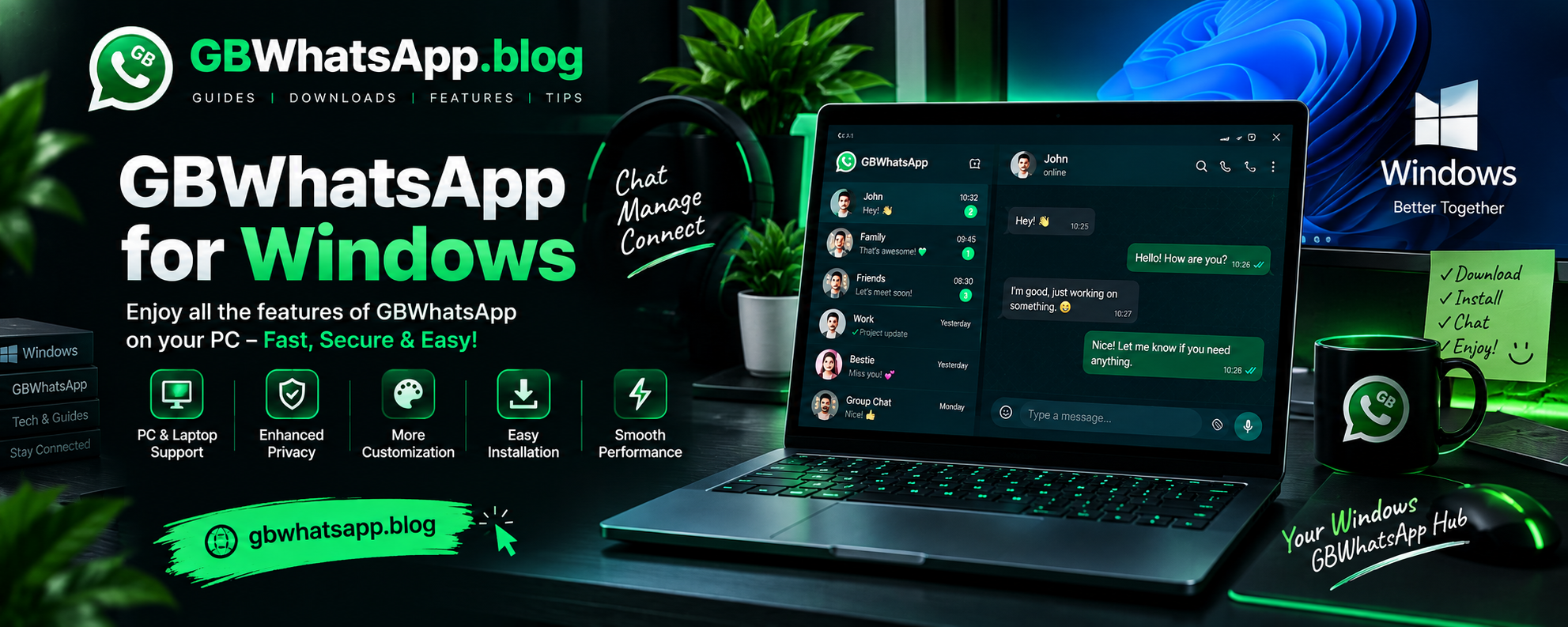
GB WhatsApp is built for Android phones, yet you can still run it on a Windows PC or laptop. The trick is an Android emulator, a program that creates a virtual Android phone on your computer. This guide covers what you need, which emulator to pick, the full install process, tips for smoother performance and answers to common questions.
What You Need
Get these ready before you install GB WhatsApp on your computer:
- A PC or laptop running Windows 10 or Windows 11
- A stable internet connection
- An Android emulator such as BlueStacks or LDPlayer
- The latest GB WhatsApp APK file
- A phone number that can receive the verification code
PC Requirements
| Component | Recommended |
|---|---|
| Operating System | Windows 10 / 11 (64-bit) |
| RAM | 8 GB (4 GB minimum) |
| Storage | 10 GB free space or more |
| Processor | Intel or AMD with virtualization turned on |
| Graphics | Updated GPU drivers |
Best Android Emulator For GB WhatsApp
Several emulators can run GB WhatsApp. These four work well on most Windows machines.
LDPlayer
A light emulator that suits everyday use. It gives you:
- Fast boot time
- Low RAM usage
- Good performance on older computers
Best for: mid-range and older PCs.
BlueStacks
The most popular Android emulator for Windows. It offers:
- Simple drag-and-drop APK installs
- Steady performance
- Regular updates
- Wide app compatibility
Best for: beginners who want a dependable emulator that is easy to set up.
MEmu Play
A good pick if you like running several apps side by side. It includes:
- Quick APK installation
- Custom keyboard mapping
- Multi-instance support for multitasking
NoxPlayer
A smooth emulator with plenty of settings to adjust:
- Stable day-to-day performance
- Control over Android settings such as CPU, RAM and resolution
- Multiple Android instances at the same time
How To Install GB WhatsApp On PC
Follow these steps to get GB WhatsApp running on Windows.
Step 1: Install an Android Emulator
- Download an emulator such as BlueStacks or LDPlayer from its official website.
- Run the installer and follow the on-screen instructions until setup finishes.
Step 2: Set Up the Emulator
- Open the emulator for the first time.
- Finish the basic Android setup. A Google account is only needed if you plan to use the Play Store. Installing an APK manually does not need one.
Step 3: Download the GB WhatsApp APK
- Go to the GB WhatsApp download page and get the latest APK file.
- Save it somewhere easy to find, such as your Desktop or Downloads folder.
Step 4: Install the APK
With the emulator open, use any one of these methods:
- Click the emulator's "Install APK" button and pick the file.
- Drag the APK file from Windows into the emulator window.
- Open the emulator's file manager and tap the downloaded APK.
Give it a minute to finish installing.
Step 5: Open GB WhatsApp
- Find the GB WhatsApp icon on the emulator home screen and open it.
- Allow any permissions it asks for, such as contacts and storage.
Step 6: Verify Your Phone Number
- Enter your mobile number with the correct country code.
- Wait for the code by SMS or phone call.
- Type the code in to activate your account.
If you have a backup, you can restore your chats at this point.
Can You Run GB WhatsApp Without An Emulator?
No. GB WhatsApp cannot run on a PC without an emulator.
GB WhatsApp is an Android app in APK format, while Windows runs desktop programs in EXE or MSI format. Windows has no built-in way to open APK files.
An emulator fills that gap by giving GB WhatsApp the Android environment it needs.
Performance Tips
To keep GB WhatsApp running smoothly on your computer:
- Turn on hardware virtualization (Intel VT-x or AMD-V) in your BIOS if your PC supports it.
- Give the emulator at least 4 GB of RAM if your system has enough to spare.
- Keep the emulator updated to the newest version.
- Close heavy programs you are not using while the emulator is open.
- Update your graphics drivers.
Advantages Of Using GB WhatsApp On PC
- A large screen for reading chats and viewing media
- Faster typing on a full keyboard
- Easy access to files stored on your computer
- Drag-and-drop media sharing through the emulator
- Chat while you work in other windows
Limitations
- An emulator is required
- Uses more RAM and CPU than the official WhatsApp desktop app
- Speed depends on your computer's hardware
- Emulator updates can sometimes cause compatibility problems
Conclusion
Running GB WhatsApp on Windows is simple once you have an emulator like BlueStacks or LDPlayer. Install the emulator, add the GB WhatsApp APK, verify your number and you can start chatting on a bigger screen.
For the best results, keep both GB WhatsApp and your emulator updated, give the emulator enough RAM and make sure your PC meets the requirements listed above.